• Home
  • Library
  • Drops
  • Free
  • Pricing
  • FAQ
Get Access
HomeLibrary
  • Home
  • Library
  • Drops
  • Free
  • Pricing
  • FAQ
Log inGet Access
  1. Home
  2. Library
  3. Shopify Sales Dashboard
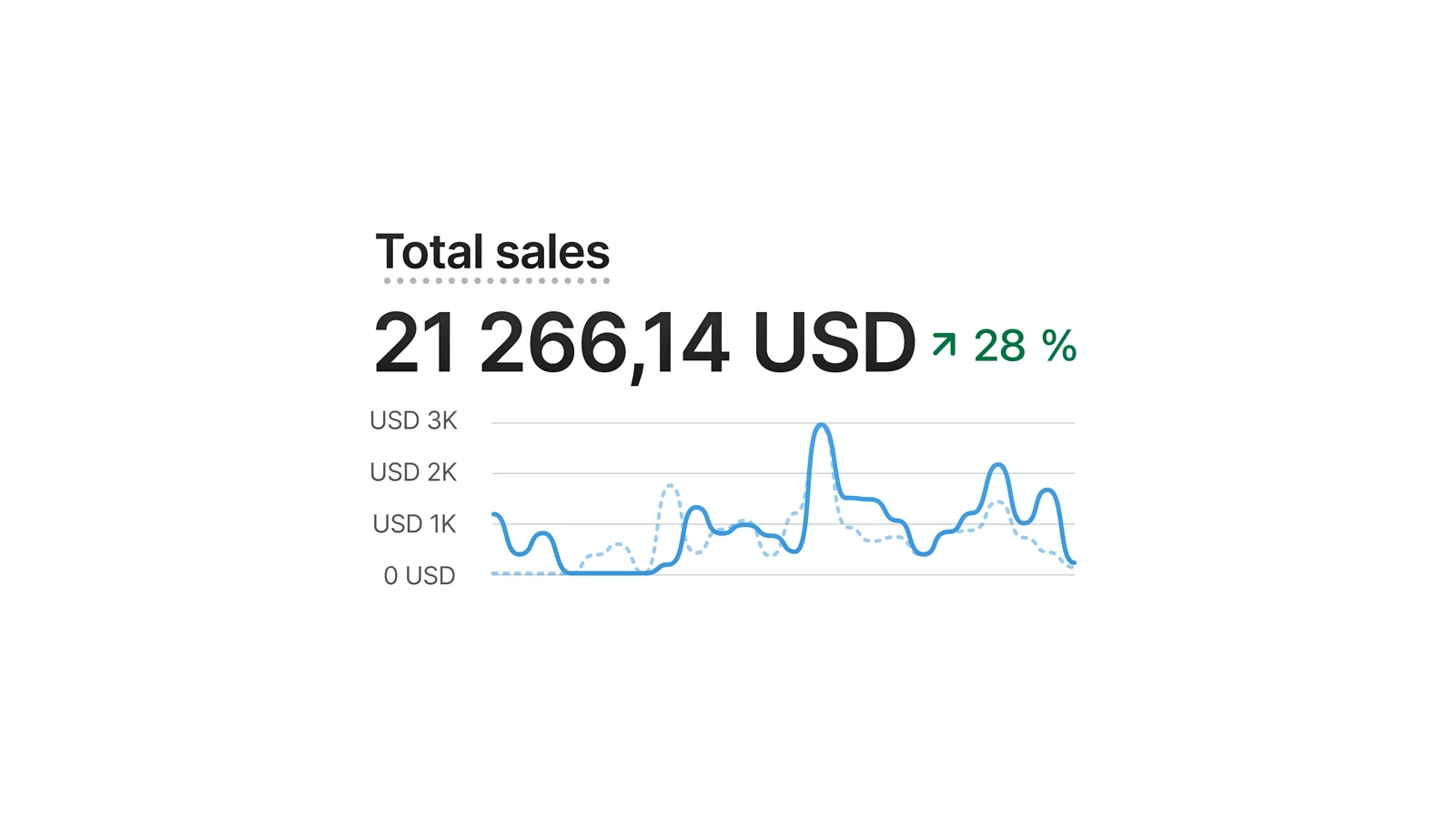
Shopify Sales Dashboard, a Shopify dashboards element for YouTube thumbnails, as a layered Photoshop file
ShopifyDashboards

Shopify Sales Dashboard

This recreates the Total Sales analytics tile on Shopify, showing a headline revenue figure with percentage change above a comparison line chart. It suits income-reveal and store-performance thumbnails, with the amount, growth percentage, and chart trend all editable.

Part of Money and Ecommerce.

Canvas
3840 × 2160
File
6.8 MB
Layers
16 layers · 7 text · 2 smart objects
Added
12 Sept 2026
Fonts
Inter, SF Pro Display

Also known as revenue tile, sales panel, analytics widget, performance chart.

Members only

Unlock Shopify Sales Dashboard.

  • This asset, plus the other 18 in the library
  • Every Friday drop, the moment it lands
  • Unlimited downloads, commercial licence
Unlock for $12 a monthTry 4 free first

Billed $144 a year, cancel anytime. Or $19 monthly.

Already a member? Log in

  • shopify
  • sales dashboard
  • revenue chart
  • total sales
  • store analytics

Related

Goes with this one.

All dashboards
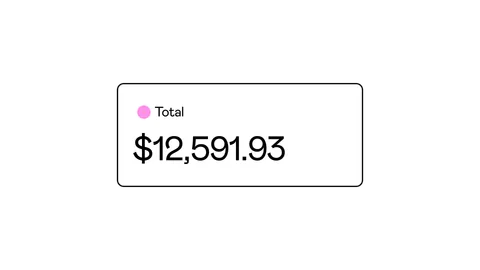
Gumroad Total Sales Card, a Gumroad revenue element for YouTube thumbnails, as a layered Photoshop file
Members

Gumroad Total Sales Card

Gumroad · Revenue

Amazon Delivered Product Card, an Amazon ecommerce element for YouTube thumbnails, as a layered Photoshop file
Members

Amazon Delivered Product Card

Amazon · Ecommerce

TikTok Shop Product Review, a TikTok reviews element for YouTube thumbnails, as a layered Photoshop file
Members

TikTok Shop Product Review

TikTok · Reviews

Facebook Marketplace Listing Status, a Facebook ecommerce element for YouTube thumbnails, as a layered Photoshop file, look 1 of 22 looks
Members

Facebook Marketplace Listing Status

Facebook · Ecommerce

How it works

From download to thumbnail in four steps.

1

Download the ZIP

The layered PSD and your licence, straight from the button above.

2

Install the fonts

FONTS.txt names every font the design uses and where to get it.

3

Open and edit

Every layer is named. Change the numbers, the text, the colours.

4

Drop it in

Place it on your thumbnail. Transparent background, sharp at 4K.

Not quite the asset you need? Request it and it can be in a Friday drop.

  • Home
  • Assets
  • Drops
  • Collections
  • Requests
  • Pricing
  • FAQ

© 2026 PSDfuel. All rights reserved.

  • Affiliates
  • Licence
  • Terms
  • Withdrawal
  • Privacy

Trancka (PSDfuel) · Kennedylaan 51, 5571 KB Bergeijk, the Netherlands · KvK 74839918 · VAT NL004335563B02 · contact@psdfuel.com